






55282

Snack Station Snack Party
RM 1.00
Join Now









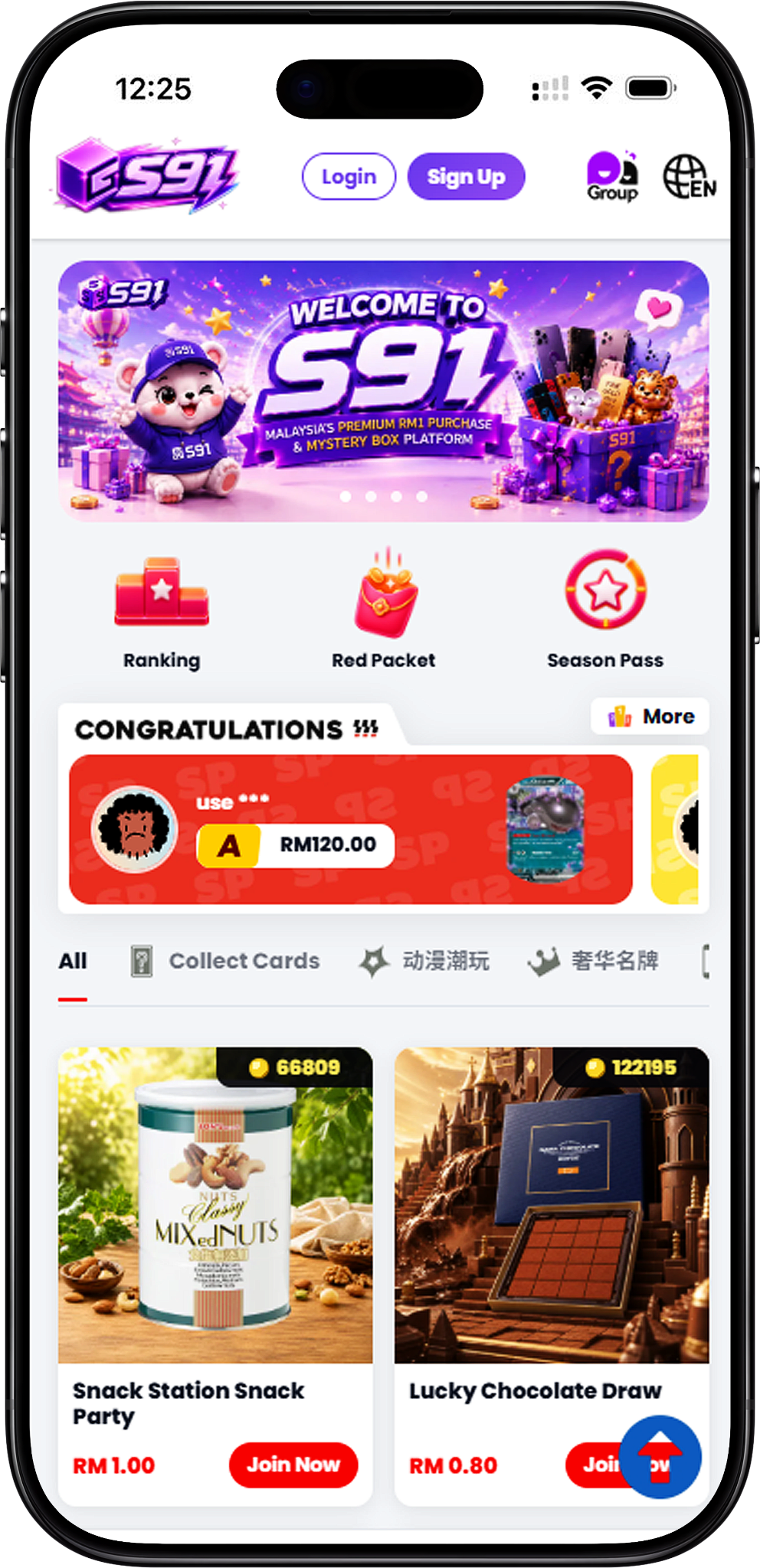
Welcome to S91BOX, the platform where users can access S91 activities, rewards and account services from one place. Explore Lucky Draw, RM1 Purchase, Season Pass, Daily Mission, Ranking and other available features, or use the platform to register, download, manage transactions and learn about becoming an Agent.
S91BOX brings together several platform activities with different ways to participate. Users can explore Lucky Draw collections, join RM1 Purchase products, accumulate XP for Season Pass rewards, complete Daily Missions, and follow seasonal Ranking categories.
The platform also provides access to essential account services. Users can register an account, access S91BOX on supported devices, top up their balance, submit eligible withdrawals and contact official support when assistance is required.
S91BOX provides access to the products, services, promotions and reward activities available through S91. Its platform experience includes collectible-focused activities, reward progression, RM1 Purchase participation and account services designed to keep different functions accessible within the same ecosystem.
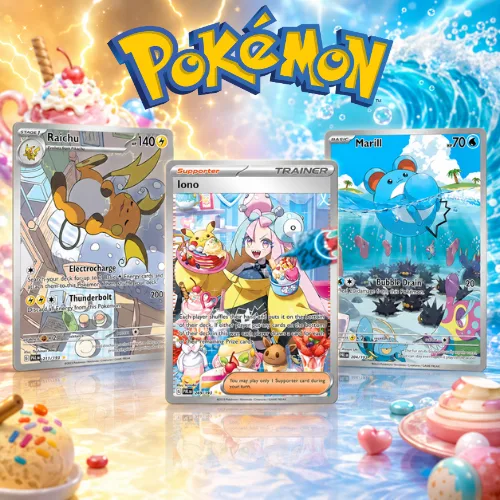
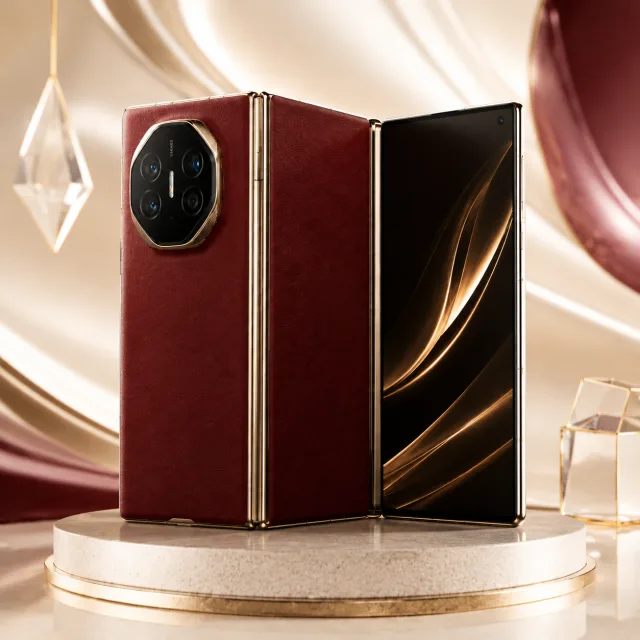
Lucky Draw gives users access to themed collections across categories such as Collect Cards, Digital Technology, Anime Collectibles and Luxury Brands. Available draws and products can be explored through their respective Lucky Draw pages.
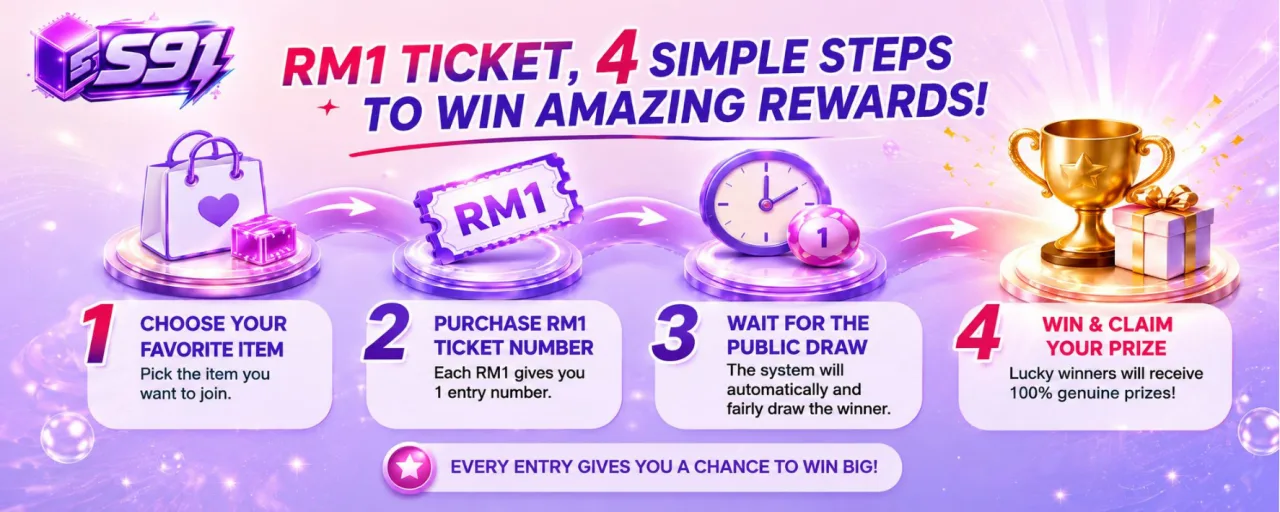
RM1 Purchase allows users to participate in selected products through Participation Units. Each RM1 provides one Participation Unit and one unique Participation Number. When all entries for a product are sold out, the system automatically conducts the draw and generates the winning number.
The Season Pass provides Free and VIP reward tracks across multiple levels. XP accumulated through supported platform activities, including Lucky Draw, can contribute toward Season Pass progression, where available rewards may include RM1 Tickets and other displayed rewards. Accumulated Tickets can be used toward eligible RM1 Purchase products.
Daily Mission provides XP through activities such as Daily Login, Lucky Draw, RM1 Purchase, inviting a friend to register and spending the required amount. S91BOX also features seasonal Top Spender, Top Check In and Top Inviter rankings, with bonus XP for the top three positions when the season ends.
S91BOX combines S91 activities, reward progression and account functions in a connected platform experience. Users can move between Lucky Draw, RM1 Purchase, missions, Season Pass rewards and rankings while accessing dedicated pages for the rules and details of each feature.
Users can explore different types of platform activities rather than relying on a single participation format. Lucky Draw, RM1 Purchase, Daily Mission, Season Pass and Ranking each provide a distinct way to interact with available S91BOX features.
Every RM1 Purchase Participation Unit corresponds to a unique Participation Number. Once all entries for the selected product are sold out, the system automatically proceeds with the draw according to the published process, without requiring a fixed draw time.
S91BOX connects XP-based activities with Season Pass progression. Users can complete eligible activities, build XP and review the rewards available across the Free and VIP Pass tracks.
Users can review dedicated information covering RM1 Purchase rules, returns and refunds, privacy, Terms of Service, and AML & KYC requirements. This helps users understand relevant conditions before using specific S91BOX services.
S91BOX connects platform activities, reward progression and essential account functions within the S91 ecosystem. Users can explore different participation formats while accessing dedicated pages for activity rules, rewards and account services.
S91BOX provides themed product categories across its activities. Lucky Draw includes Collect Cards, Digital Technology, Anime Collectibles and Luxury Brands, while RM1 Purchase covers Collect Cards, Collectibles, Gaming, Home Essentials, Lifestyle, Premium Collection and Tech.
The Daily Mission system provides XP for completing specified activities. These include Daily Login, completing a Lucky Draw, completing an RM1 Purchase, inviting a friend to register and spending the required amount. Completing all five Daily Missions provides a 50 XP Bonus Reward.
XP can contribute toward progression through the S91BOX Season Pass. The Season Pass features Free Pass and VIP Pass reward tracks across Levels 1–30, with available rewards displayed at each level.
Season Pass rewards include Tickets that can be claimed at applicable levels. Users can accumulate these Tickets and use them toward eligible RM1 Purchase products according to the platform’s available purchase requirements.
S91BOX Ranking lets users follow three seasonal categories: Top Spender, Top Check In and Top Inviter. At the end of the season, the top three positions receive bonus XP, with 88 XP for 1st, 50 XP for 2nd and 20 XP for 3rd.
Users can access S91BOX account transaction services from dedicated pages. Top Up supports the displayed payment options including FPX, DuitNow QR and Touch ‘n Go, while eligible withdrawable balances can be submitted for bank withdrawal subject to the Platform’s withdrawal requirements.
S91BOX is the platform through which users access S91 products, activities, rewards, promotions and related account services. Users begin with an account and can then explore the available platform features according to the rules and requirements of each activity.
Lucky Draw provides themed product collections that users can explore through dedicated category pages. Available categories include card collections, technology products, anime collectibles and luxury-brand products.
RM1 Purchase uses a Participation Unit system. Every RM1 provides one Participation Unit and one unique Participation Number. Users may obtain more Participation Numbers by purchasing more Participation Units for the selected product.
When all RM1 Purchase entries for a product are sold out, the system automatically conducts the draw. It retrieves the required participation records and calculates the Lucky Number according to the published draw algorithm before generating the result.
Season Pass connects XP progression with level-based rewards. Users can review the Free and VIP tracks and claim applicable rewards as the required levels are reached. Available rewards include Tickets that connect Season Pass progression with RM1 Purchase participation.
Daily Mission gives users defined activities to complete for XP. The displayed mission structure includes login, Lucky Draw, RM1 Purchase, referral and spending activities, plus a bonus for completing all missions.
Ranking tracks seasonal performance across spending, check-ins and invitations. Users can view their own ranking status as well as the displayed leaderboard for each category.
Getting started with S91BOX follows three main paths depending on what the user wants to do: Register, Download, or Become Agent. New users can first create an account, access S91BOX on their preferred supported device, and explore the available platform activities. Users interested in the Agent opportunity can contact official support separately.
Start by creating an S91BOX account through the registration page. The dedicated Register page provides the complete sign-up process and relevant account registration information.
After registration, users can access the S91BOX Download page for instructions covering supported access on Android, iOS and Desktop. The dedicated page provides the complete steps for each available device type.
Users interested in an S91BOX Agent Account can visit the official website and contact the WhatsApp support team through the WhatsApp icon or Contact Us button. Support can assist with requesting an Agent Account and provide guidance on promoting it to develop downlines.
New users can begin with S91BOX Register to create an account and gain access to the platform. Below are the main stages of registration; users can visit the dedicated Register page for the complete sign-up instructions.
Visit the official S91BOX registration page to begin creating your account. Make sure you are using the official platform before entering registration information.
Complete the required registration fields with the requested account information. Review the information entered before continuing with the sign-up process.
The S91BOX registration process supports registration through the available Referral Code or QR Code options. Follow the method provided when starting your registration.
Follow the remaining instructions displayed on the Register page to complete account creation. The dedicated registration guide provides the full process for new users.
Once registration is complete, users can begin exploring the available S91BOX activities and account services. Visit the dedicated Register page if you are creating a new account and need the complete registration instructions.
Your S91BOX account provides access to the Platform and its available features, including Lucky Draw, RM1 Purchase, Daily Mission, Season Pass and Ranking. Individual activities remain subject to their respective rules and requirements.
The S91BOX Download page provides device-specific instructions for accessing the Platform. Android and iOS users can follow the appropriate method for their device, while the dedicated Download page contains the complete instructions.
Android users can access the official S91BOX website through Chrome and use the browser’s home-screen option to create convenient access to the Platform.
Launch Google Chrome on your Android device and use it to access the official S91BOX website.
Enter the official S91BOX website address in Chrome and wait for the Platform to load before proceeding.
Open Chrome’s menu and select Add to Home screen. Depending on the browser version, you may need to locate this option manually in the menu. Follow the displayed prompt to add S91BOX to your Android home screen.
iPhone and iPad users can follow the iOS access instructions provided on the dedicated S91BOX Download page to place convenient access to the Platform on their device.
Use the supported browser on your iOS device to visit the official S91BOX website.
Continue with the iOS instructions displayed on the official Download page. Refer to the dedicated guide for the complete process rather than using unofficial installation sources.
Use the dedicated S91BOX Download page to find the complete access instructions for your device. The Platform provides guidance for Android, iOS and Desktop, allowing users to select the instructions relevant to their device.
Select the appropriate Android, iOS or Desktop instructions and follow the official S91BOX guide to access the Platform.
Users interested in becoming an S91BOX Agent can contact the Platform’s official WhatsApp support team to request an Agent Account. Support can also provide guidance on promoting the Agent Account, developing downlines and working toward passive income through the agent structure.
Visit the official S91BOX website and locate the WhatsApp icon or Contact Us button to connect with the Platform’s support team.
Once connected through WhatsApp, tell the support team that you would like to open an Agent Account. The team can provide the relevant assistance for proceeding with your request.
S91BOX support can provide guidance on promoting an Agent Account to gain more downlines. Users interested in the Referral and Shareholder opportunities can refer to the dedicated Agent page and contact support for the applicable information.
S91BOX is the platform through which users can access S91 products, activities, rewards, promotions and account services. Available features include Lucky Draw, RM1 Purchase, Season Pass, Daily Mission, Ranking and related account functions.
Users can explore Lucky Draw collections, participate in eligible RM1 Purchase products, complete Daily Missions for XP, progress through Season Pass rewards, view seasonal Rankings and use available account services such as Top Up and Withdrawal.
New users can begin by visiting the S91BOX Register page and creating an account. They can then follow the official Download instructions for their device and explore the activities and services available through the Platform.
S91BOX provides access to the products, services, promotions and reward activities available through the S91 Platform. Users should refer to the relevant S91BOX pages for the specific rules and requirements of each available feature.
Visit the official S91BOX website, select the WhatsApp icon or Contact Us button, and request an Agent Account from the WhatsApp support team. Support can also provide guidance on promoting the account and developing downlines.
Create your S91BOX account and explore Lucky Draw, RM1 Purchase, Season Pass, Daily Mission, Ranking and the other activities and services available through the S91 Platform.